
8 Aug 2026 · 4 min read
What !guns means on CS2 retake servers
How the !guns chat command works on Tickrate CS2 retakes: pick a loadout every round without fighting the buy menu.
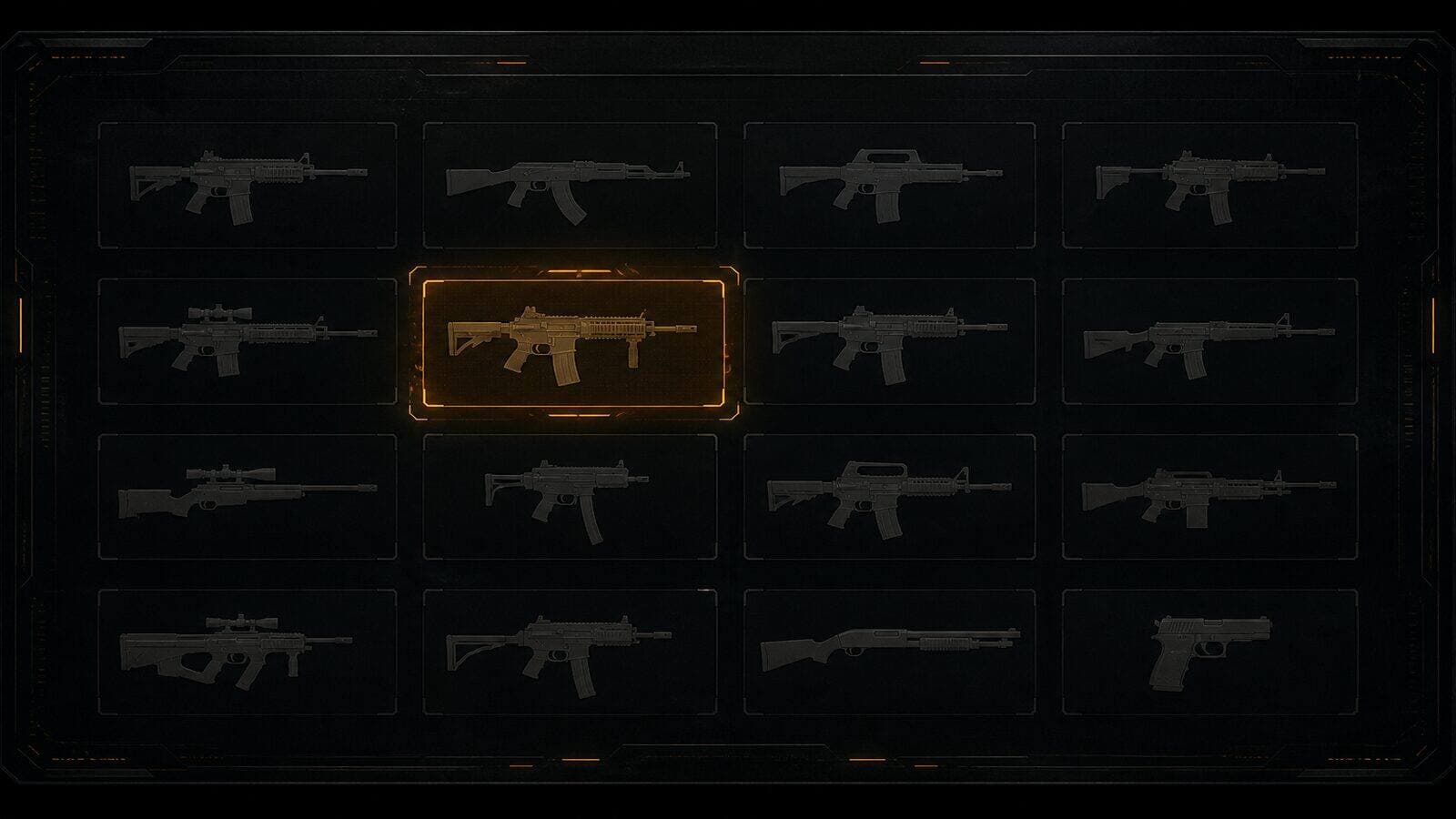
Original Tickrate cover · not a game screenshot
On full matchmaking rounds you buy once, wait through a freeze time, and hope the fight finds you. Retake servers skip that. You spawn into an after-plant, and you need a usable loadout in seconds — that is what !guns is for.
On Tickrate ranked CS2 retake servers, type !guns in chat after you spawn (or use the in-game menu the plugin opens). You get a short weapon selection for the round: rifles, SMGs, pistols — then you fight the site instead of scrolling a buy wheel under pressure.
People searching “cs2 !guns”, “retake !guns”, or “how to change weapons retake server” usually land on communities that run a guns menu plugin. Ours is free, no VIP lock on the menu, and it works on both Retakes #1 and #2.
Tip: pick a default you like for the first few rounds, then switch when the lobby asks for AWPs or pistols. If the menu does not open, check chat spelling (!guns), wait until you have fully spawned, and confirm the server shows Online on tkrate.com.
Join from https://tkrate.com/cs2/retake — console example: connect 138.201.131.228:27015. Tickrate is independent and not affiliated with Valve.